Envelope Budgeting Apps: Digital Alternatives to Cash Envelopes
Last verified: September 2026.
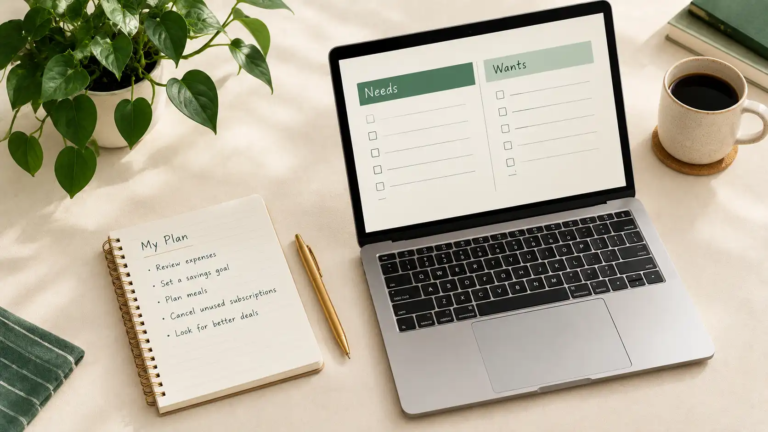
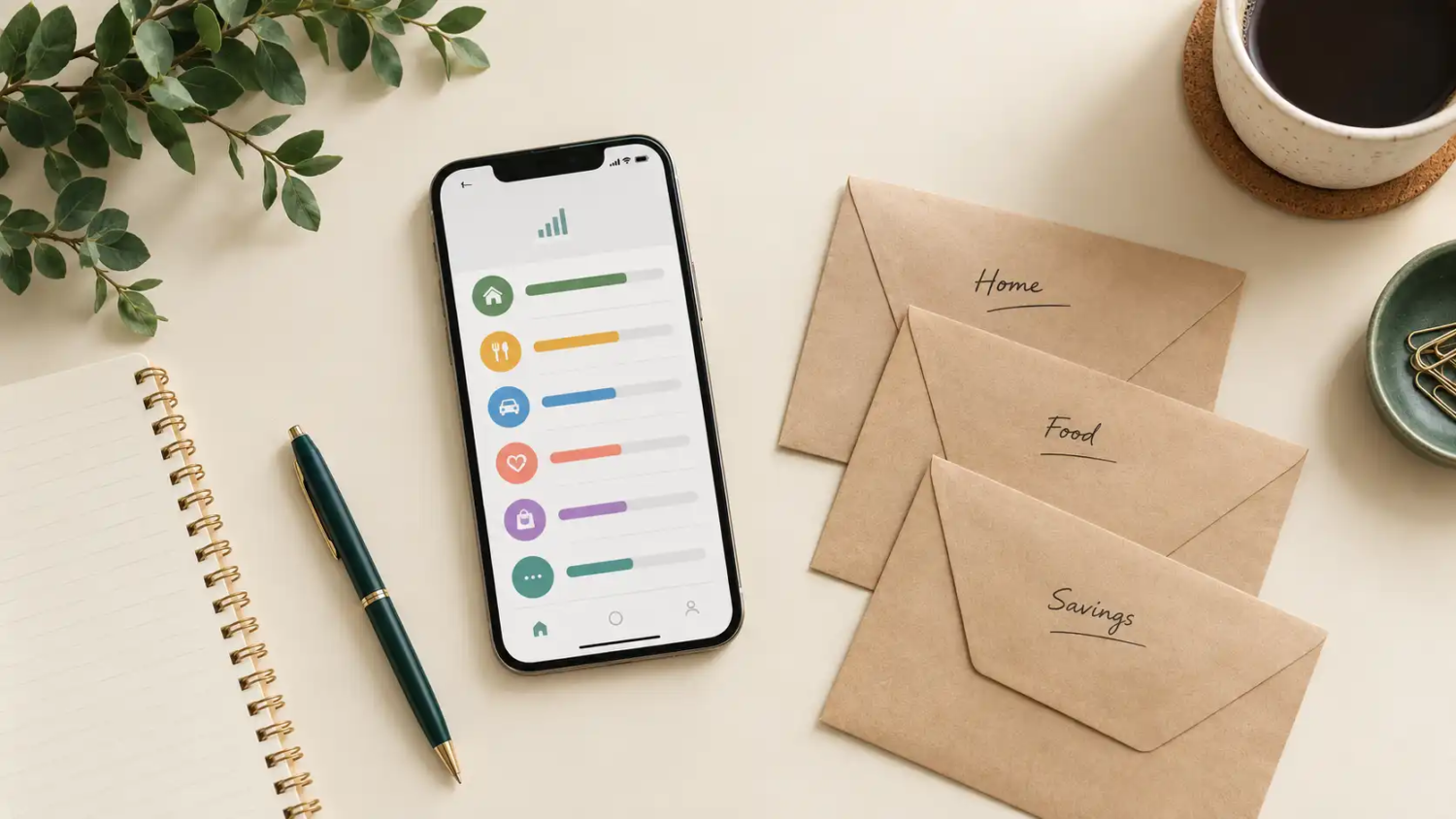
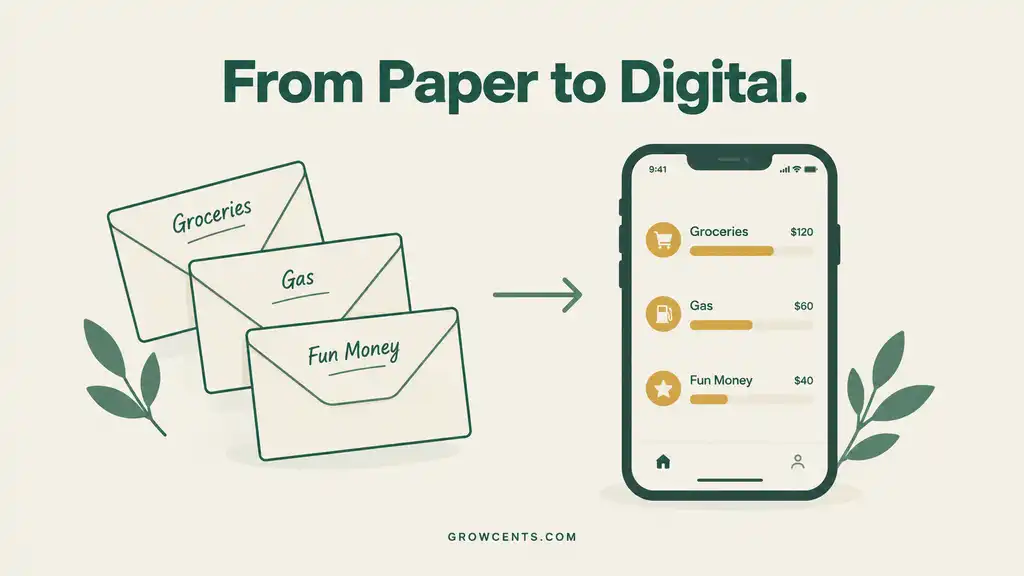
The envelope method works by giving each spending category its own physical pot of cash and stopping spending once that envelope is empty. Digital envelope tools recreate the same constraint without the cash: each category gets a running balance that decreases as money is spent, and overspending one category means borrowing visibly from another rather than reaching for a different bill in a different envelope. This guide covers dedicated envelope apps, a free envelope-style feature already built into some bank accounts, and how to build the same system in a spreadsheet.
Quick Answer: Goodbudget is the most widely used dedicated envelope app with a genuinely free tier, though it caps the number of free envelopes. Some banks, including Ally Bank, offer a free built-in “buckets” feature inside a regular savings account that the bank itself describes as a digital envelope, requiring no separate app at all. A spreadsheet can replicate the same category-balance system manually at no cost. Mvelopes, one of the original dedicated envelope apps, appears to have shut down as of this writing, which is a useful reminder to confirm any app’s current status before relying on it.
What Makes an App a True Envelope Budgeting Tool
The defining feature is a per-category balance that only goes down, not a single pooled account balance with category labels attached after the fact. A true envelope tool prevents (or at least visibly flags) spending from a category that has already hit zero, which is what replicates the discipline of an empty physical envelope. Several budgeting apps use category “targets” that function more like a percentage guideline than a hard, visible limit; those are closer to zero-based budgeting than to the strict envelope method.
Dedicated Envelope Apps
| App | Free Envelope Budgeting? | Notes |
|---|---|---|
| Goodbudget | Yes, with a capped number of free envelopes | According to its own help center, the free plan includes 10 regular envelopes and 10 annual/goal envelopes, one account, and sharing across two devices; Premium removes those caps |
| Mvelopes | No longer confirmable | One of the original digital envelope apps; multiple independent sources report the service has shut down as of this writing, so its current status should be checked directly before relying on it |
| Qube Money | No permanent free tier reported | Pairs envelope budgeting with a dedicated debit card; operates as a paid subscription service |
The Envelope Feature Hiding Inside Some Bank Accounts
A less obvious but genuinely free option is already built into some bank savings accounts. Ally Bank’s Savings Account includes a feature it calls “buckets,” which the bank’s own site describes directly: “Think of buckets as digital envelopes”, allowing up to 30 savings goals to be divided within a single account without opening separate accounts or using a separate app. The full balance still earns the account’s interest rate as one combined total, while the buckets themselves just organize how that balance is mentally and visually divided. This option works well for a household that already banks somewhere offering this kind of feature, or that is open to switching, since it requires no new software or subscription at all.
From Paper to Digital — Infographic
Building Digital Envelopes in a Spreadsheet
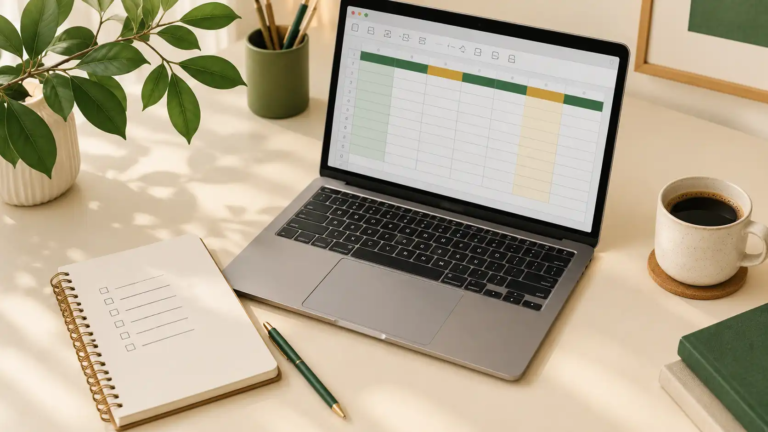
A spreadsheet can replicate the envelope method exactly: one row per category, a starting balance equal to that category’s monthly allotment, and a running subtraction for each transaction logged against it. This uses the same tab structure covered in the guide to building a budget spreadsheet, with the key difference that each category’s “balance” should never be allowed to go negative without a conscious decision to move money from another category — the spreadsheet equivalent of physically moving cash between envelopes.
Apps That Look Like Envelope Budgeting But Aren’t Quite
YNAB is often grouped with envelope budgeting because it shares the “give every dollar a job” philosophy, but it is technically a zero-based budgeting tool rather than a strict envelope system, and it has no permanent free tier beyond its 34-day trial. EveryDollar, covered in the guide to free budgeting apps, follows the same zero-based approach rather than the hard per-category cap that defines true envelope budgeting.
Choosing Between These Options
- Goodbudget suits someone who wants a dedicated, purpose-built envelope app and does not mind a capped number of free categories.
- A bank’s built-in buckets feature suits someone who wants envelope-style organization with zero extra apps, as long as their bank (or a bank they’re willing to switch to) offers it.
- A spreadsheet suits someone who wants full customization and no account limits, in exchange for more manual upkeep.
Common Mistakes
- Treating a “target” feature as a true envelope. Some apps show a spending target without actually stopping or flagging overspending in real time; checking whether a balance truly decreases (and can go visibly negative) clarifies whether an app functions as a real envelope system.
- Relying on an app without checking its current status. As the apparent shutdown of Mvelopes shows, budgeting apps can disappear; checking a company’s current site before committing, and keeping an exportable copy of category data, is a reasonable precaution.
- Creating too many envelopes at once. A capped free plan is reached quickly with a long category list; starting with the categories that most often get overspent is more sustainable than trying to envelope everything at once.
- Forgetting that bank buckets share one combined interest rate. Buckets inside a single account organize the balance but do not change how interest is calculated on the whole; this is a convenience feature, not a separate high-yield account per goal.
Frequently Asked Questions
Is a digital envelope app as effective as physical cash envelopes?
For many people, yes, since the core mechanism (a hard per-category limit) is the same; the main trade-off is that digital balances are less physically tangible than running out of cash in hand, which some people find less immediately motivating.
Can envelope budgeting work with a debit or credit card instead of cash?
Yes; a digital envelope app or bank bucket feature applies the same per-category limit regardless of payment method, which is part of why these tools exist for people who no longer use much cash.
What happens when an envelope runs out mid-month?
The usual options are moving money from a different envelope with room to spare, or simply stopping spending in that category until the next funding cycle; which option fits depends on how strictly the household wants to follow the method.
Do bank-provided envelope features cost anything?
Where available, they are typically included free as part of a standard savings or checking account, though account-level fees (if any) would still apply regardless of whether the bucket feature is used.
Is it worth switching banks just for an envelope-style feature?
That depends on the rest of the account’s terms (fees, interest rate, accessibility); the bucket feature itself is a nice addition but is rarely, on its own, a strong enough reason to switch primary banks.
How This Guide Was Built
This guide was researched using the companies’ own current feature and help pages rather than personal anecdote or invented statistics. Goodbudget’s free plan details come from its own help center. Ally Bank’s buckets feature is described directly from Ally’s own site, which explicitly compares the feature to digital envelopes. Mvelopes’ apparent shutdown is based on multiple independent reports available as of this writing and should be confirmed directly before relying on the service. GrowCents’ full research and sourcing approach is described on the Editorial Policy page and the About page.
This article is general educational information, not personalized financial advice, and does not recommend any specific product or bank for any individual household. Software and banking features change over time and should be confirmed on the provider’s current site. See the Disclaimer page for details.